
Manage Your Trucking Business From One Place
Cosmos TMS gives dispatchers, drivers, and managers a single command center — loads, fleet, live GPS tracking, KPI analytics, and financial settlements all in sync.
Fleet Active
248
Loads Today
91
Live Tracking
Online
Revenue
$48K
91
+12%
34
+5
248
Fleet
$48K
+8%
10,000+
Loads Managed Monthly
500+
Active Drivers Tracked
99.9%
Platform Uptime
Real-Time
GPS & ELD Sync
Everything a trucking company needs, built into one system
From dispatching a load to paying a driver — Cosmos covers the entire workflow so your team can move faster and with fewer errors.
Rate Confirmation PDF → Load in Seconds
Upload a Rate Confirmation PDF and Cosmos AI reads it instantly — extracting load number, stops, addresses, appointment windows, carrier pay, broker details, and driver instructions. The form fills itself automatically. No manual entry.
Dispatcher uploads the Rate Con PDF
AI extracts: load #, stops, addresses, times, rates, broker
Load form auto-fills — review and submit
PDF stored on the load record for reference
Load Management
Create loads with full stop details (Shipper, Receiver, Empty Trailer Drop), assign drivers and trucks, attach rate confirmations, track OTP percentage, upload BOL and POD files, and follow each load from Planned → In Transit → Delivered with real-time status updates.
Dispatcher & Team Management
Three-tier team structure: Dispatch Manager → Team Lead → Dispatcher. Assign loads by team, filter KPIs by dispatcher, and manage access roles with fine-grained permissions.
Fleet & ELD Integration
Track every truck via Samsara and Greenlight ELD. View live speed, location, and status. Manage truck assignments, maintenance records, and fleet availability in one place.
Live GPS & History Tracking
Switch between live view and full trip history replay on Google Maps. See all active trucks simultaneously, filter by company, and drill into any driver's route.
Analytics, KPI & OTP
Monitor dispatcher gross, rate-per-mile trends, carrier performance, and On-Time Performance (OTP%). Set KPI targets per dispatcher and compare actuals with interactive charts.
Driver Settlements & Statements
Auto-generate weekly driver settlements with base pay, deductions, reimbursements, and EFS transactions. Produce carrier statements and factoring-ready reports.
Planning Board
Weekly drag-and-plan board showing every truck and its loads for the week. Spot gaps in scheduling, assign loads in seconds, and filter by carrier or dispatcher team.
Carriers & Broker Management
Manage multiple carrier companies with escrow balances, gross revenue tracking, and expense reports. Maintain a full broker database with rate-con file upload support.
Accounting & P&L Board
Full profit-and-loss visibility across all carriers. Track billing statuses, charge-backs, EFS card transactions, and carrier expenses — all reconciled and audit-ready.
A powerful admin panel for your whole operation
Full Load Lifecycle — Planned to Delivered
Create loads with multiple stop types (Shipper, Receiver, Empty Trailer Drop), assign driver & truck, track OTP percentage, upload BOL/POD files, and follow every load from Planned → In Transit → Delivered.
- AI auto-fill from Rate Confirmation PDF
- Multi-stop: Shipper, Receiver, Empty Trailer Drop
- OTP % tracking per load
- BOL, POD & rate con file attachments
- Driver pay + deduction calculation
- Load status timeline with real-time updates
Your drivers stay connected on the road
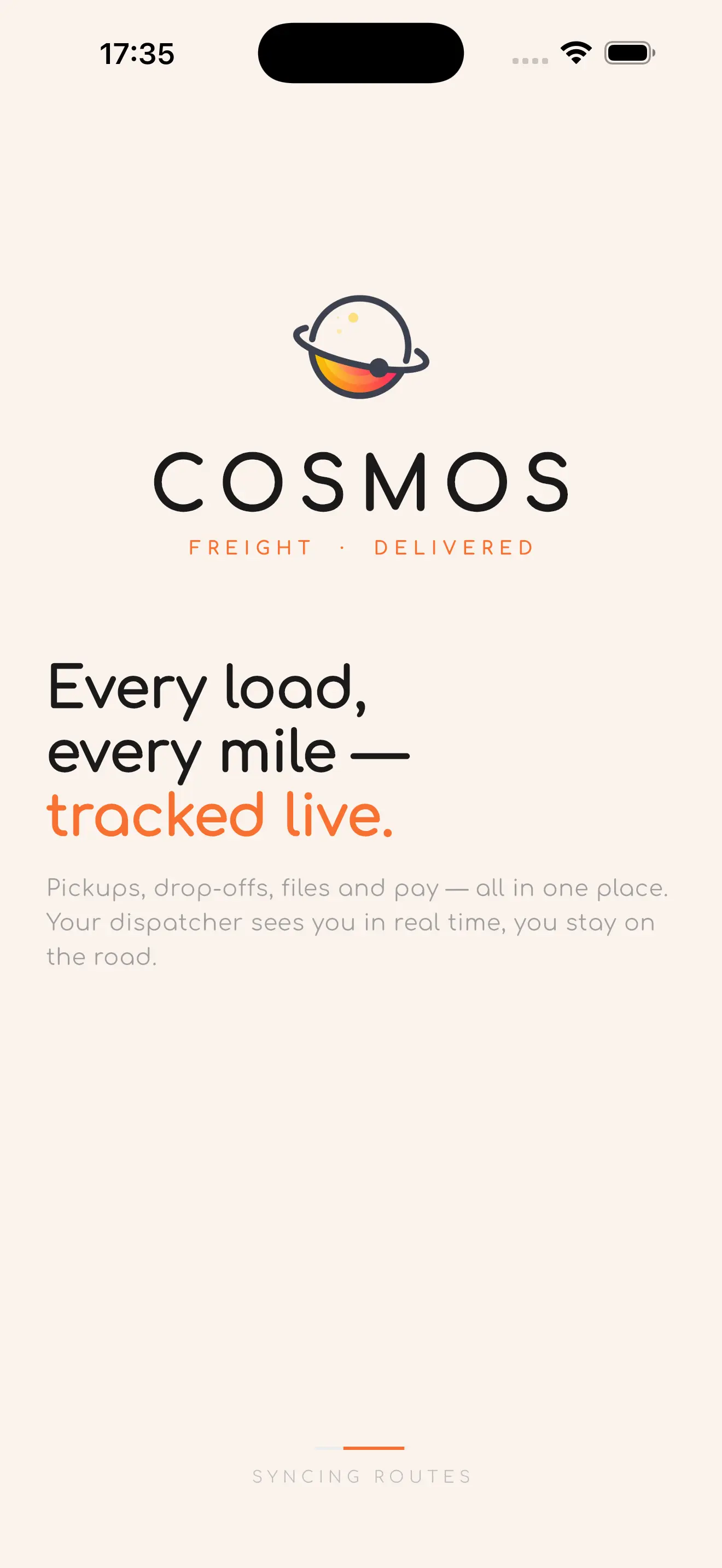
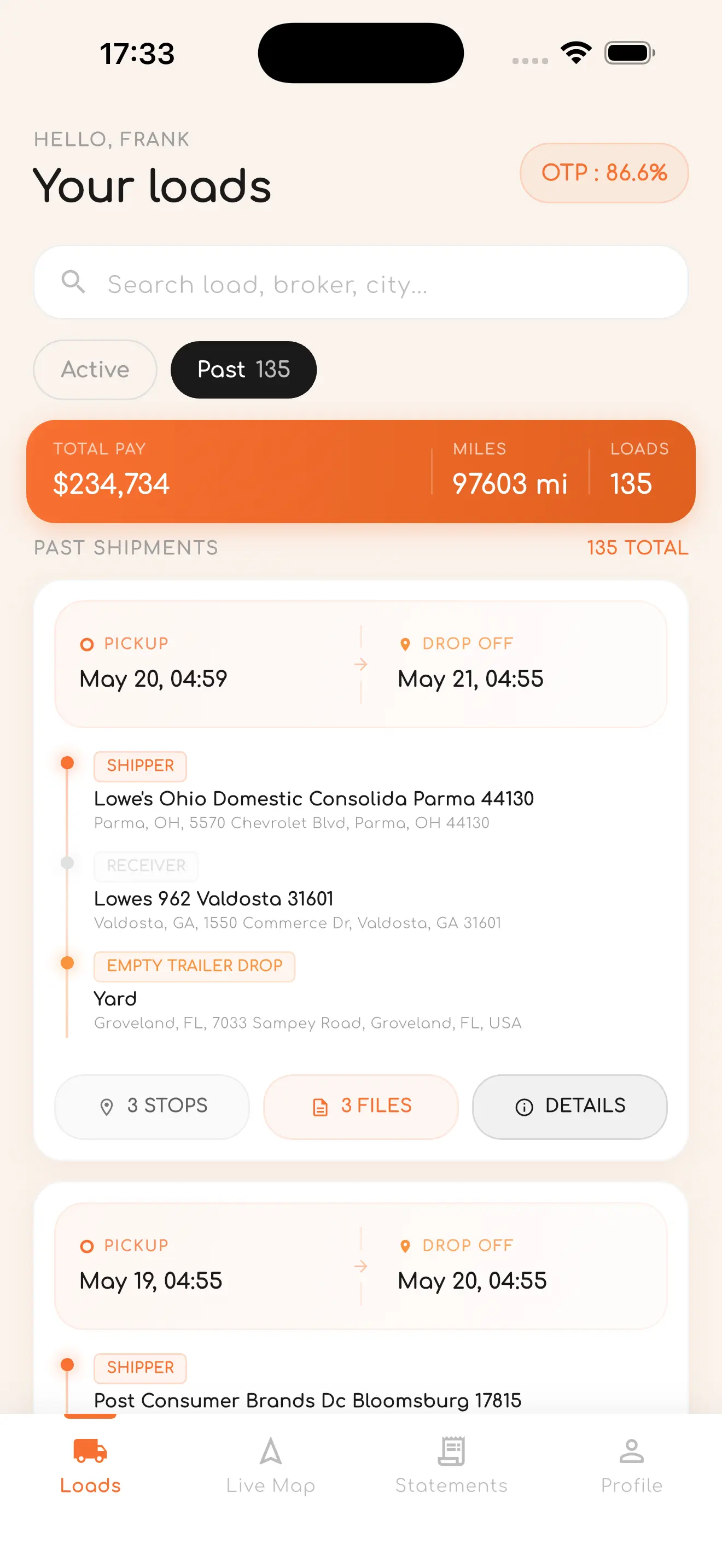
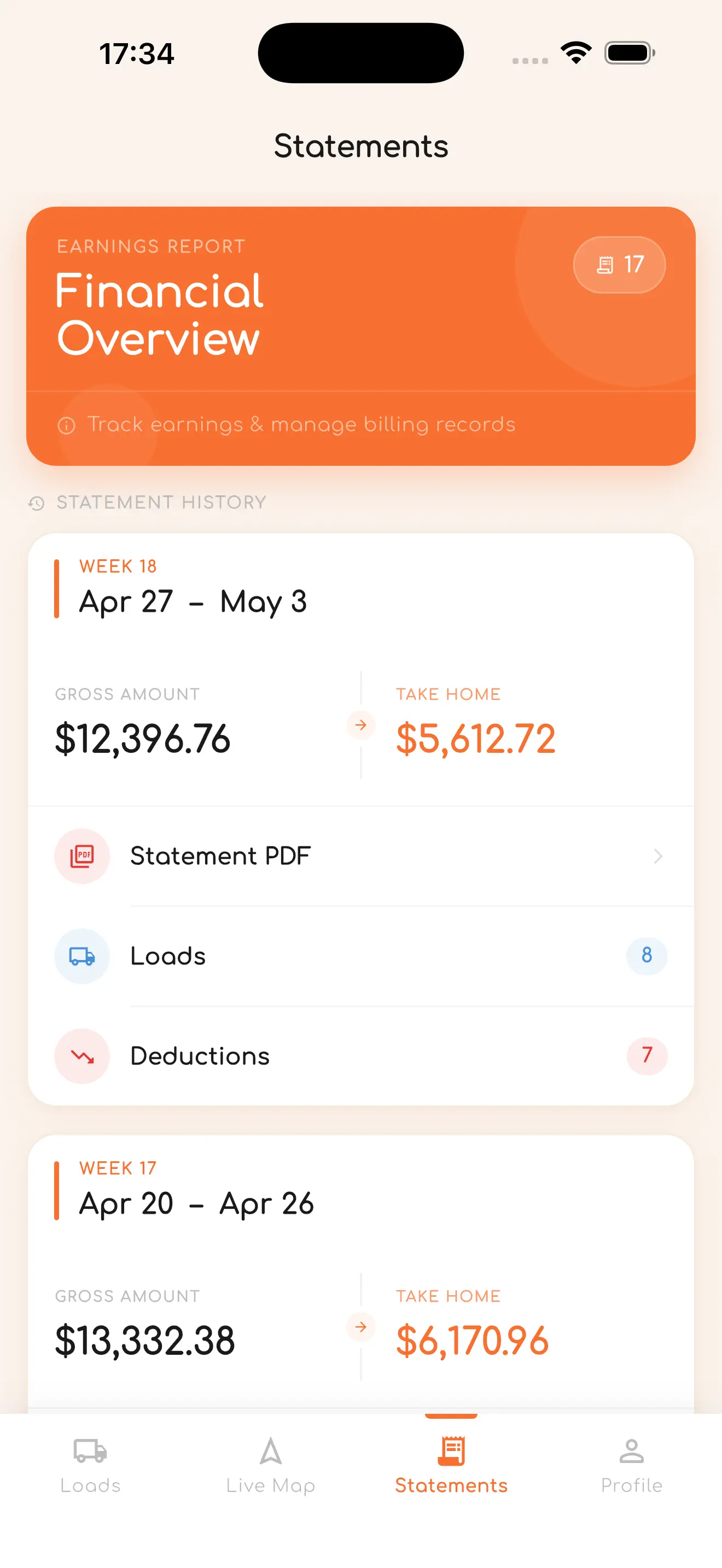
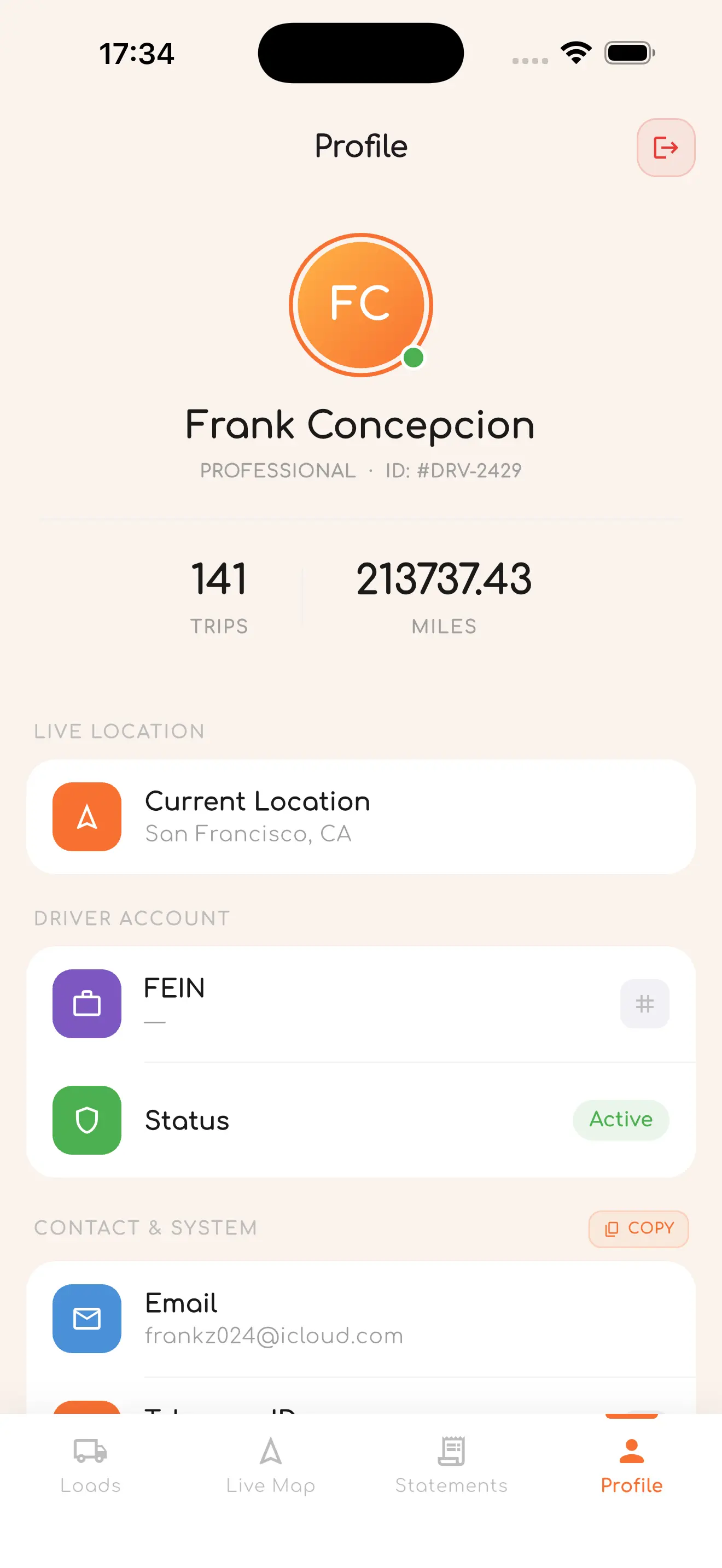
The Cosmos Driver App runs on Android and iOS. Drivers log in, their GPS streams live to dispatch in real time — and every load, stop, file, and paycheck is right in their pocket.
Active & Past Loads
View all current and completed loads with load numbers, broker details, dates, miles, and driver pay — all in one list.
Background GPS Tracking
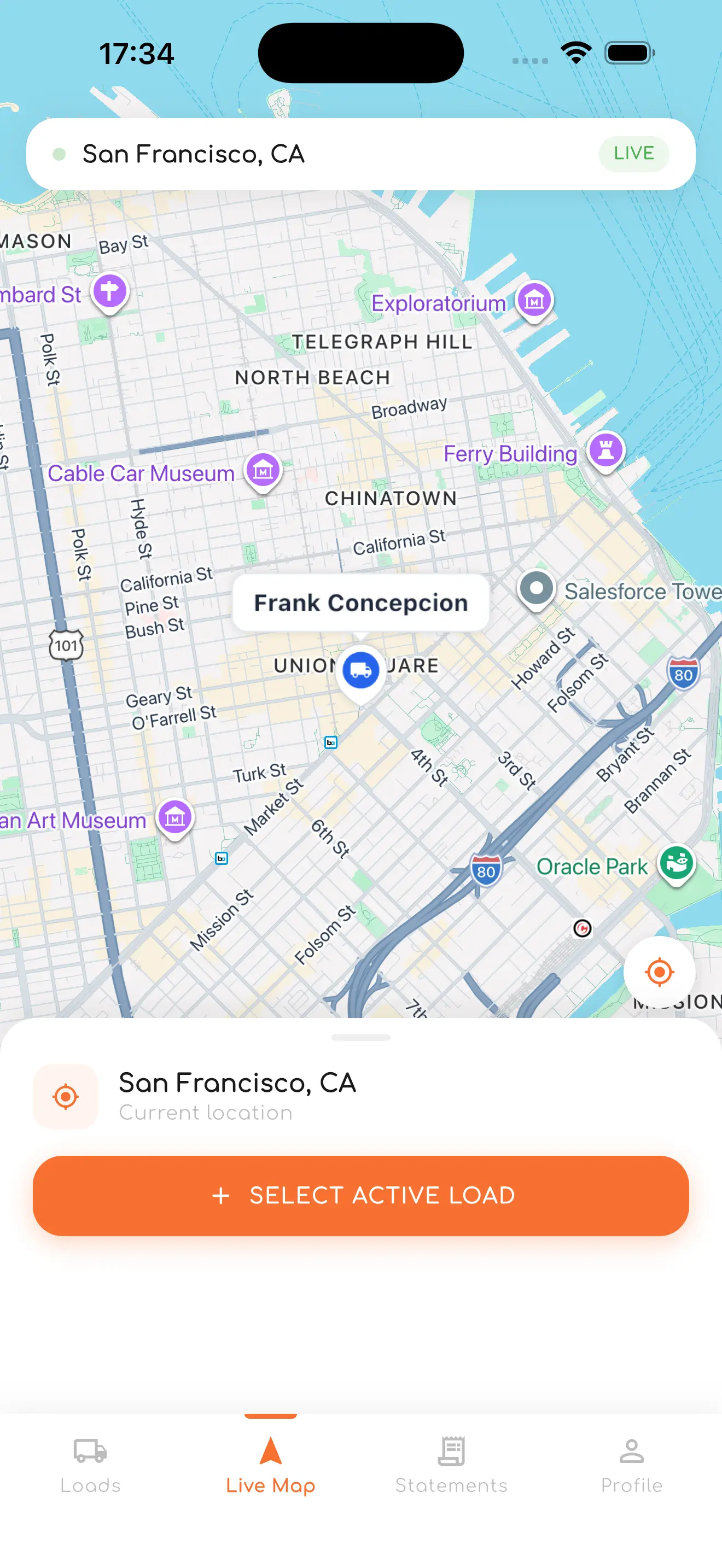
Location streams to dispatch even when the screen is off or the app runs in the background.
Multi-Stop Route Details
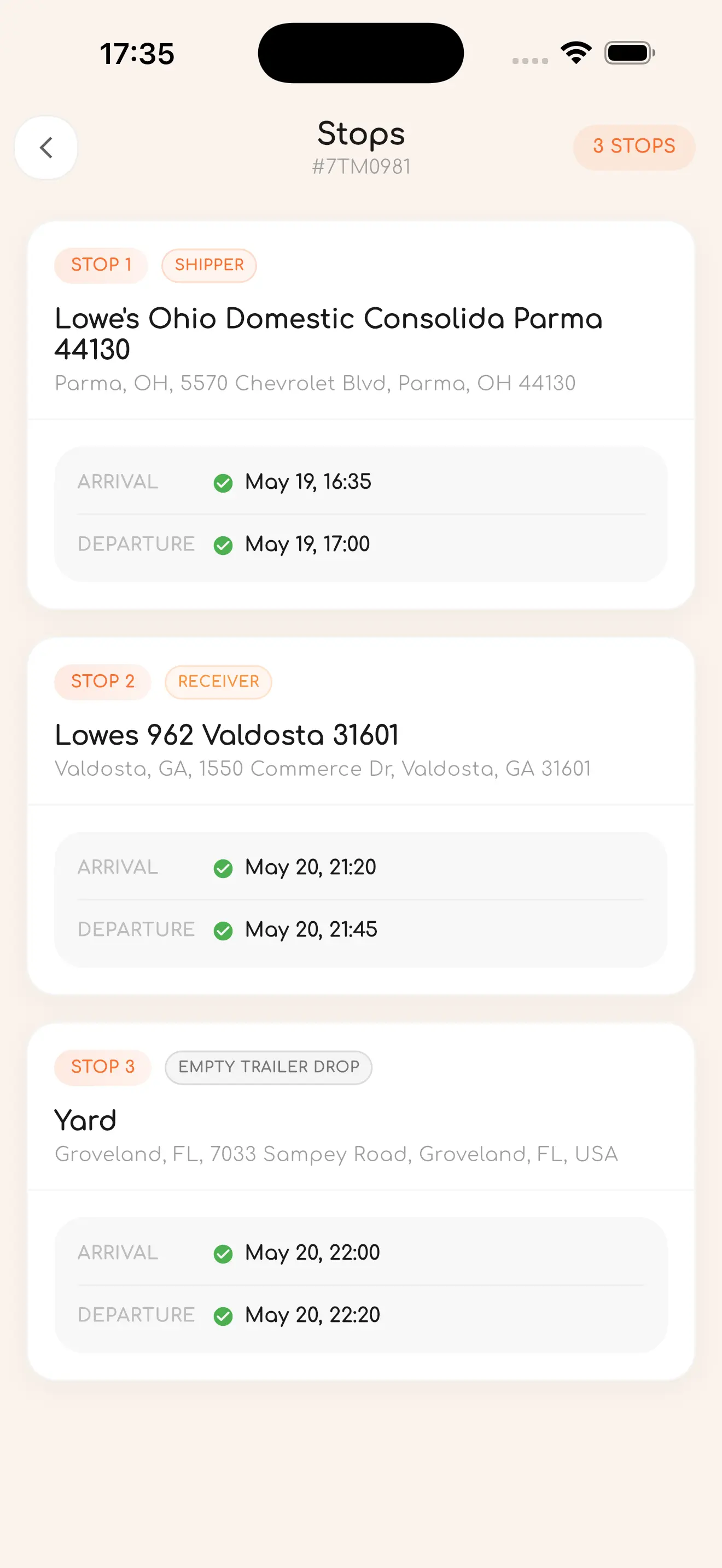
Each load shows all stops — Shipper, Receiver, and Empty Trailer Drop — with exact addresses and arrival/departure times.
Load Files & Documents
Access BOLs, rate confirmations, and PODs attached to each load directly from your phone.
Weekly Earnings Statements
Detailed weekly breakdown: gross pay, take-home, deductions, and downloadable statement PDFs per period.
Google Maps Navigation
Full maps with animated driver marker, route polylines, stop markers, and real-time location updates.
Up and running in three simple steps
Create & Assign Loads
Add a load with pickup and delivery stops, attach rate confirmation, set carrier and broker, then assign a driver and truck with one click.
Drivers Hit the Road
The driver opens the Cosmos app, goes online, and their GPS streams live to dispatch. Load details appear instantly on their screen.
Track, Settle & Analyze
Monitor every truck on the map, auto-generate driver settlements at week's end, and review KPIs and gross revenue on the analytics dashboard.
Connected to the tools you already use
Samsara
ELD / GPS TrackingLive truck location & driver data via Samsara ELD devices.
Greenlight
ELD TrackingAlternative ELD provider with full GPS history support.
Google Maps
Maps & RoutingDriver navigation, route polylines, and stop markers.
Factoring
Invoice FinanceSync invoices and factoring records with your provider.
Telegram
NotificationsInstant alerts to dispatchers and drivers via Telegram bot.
Automated email reports, settlement summaries, and alerts.
Ready to modernize your trucking operation?
Tell us about your fleet. We'll walk you through how Cosmos TMS can be set up for your dispatchers, drivers, and management — and answer any questions you have.